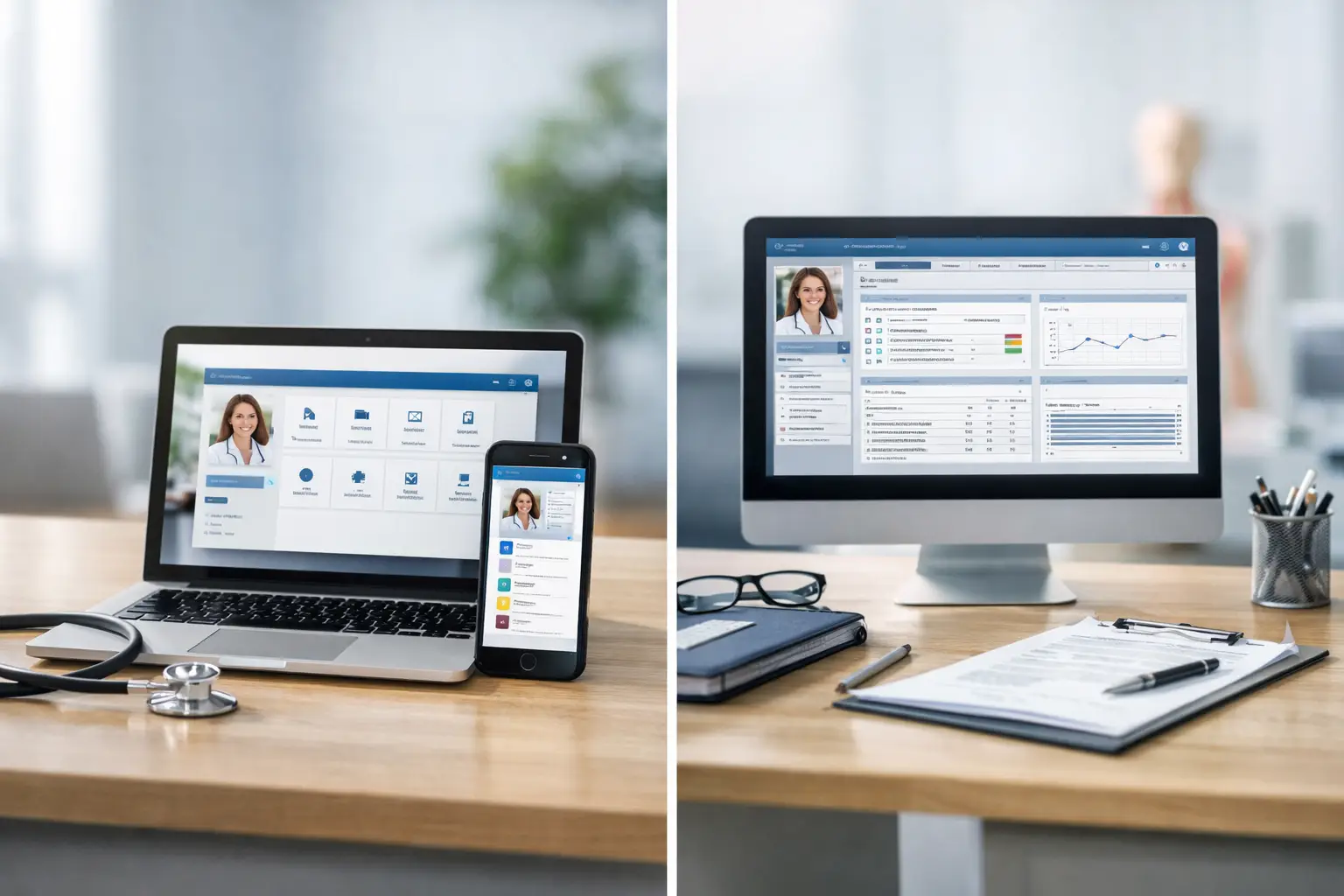
A decision between an EMR with portal vs standalone system is not really a software decision. It is a decision about how much manual work, missed communication, and disconnected data your practice is willing to carry. When the EMR holds clinical records but patients must call, fax, or use a separate app to interact with the office, your staff becomes the bridge. That bridge is expensive.
Independent practices feel the cost first. Front-desk teams spend hours answering routine questions, chasing forms, relaying messages, and collecting demographics that patients could submit themselves. Billing teams work claims with incomplete insurance information. Providers receive messages late or without the context needed to respond quickly. A standalone EMR may document care, but documentation alone does not control the operational leaks surrounding care.
EMR With Portal vs Standalone: The Real Difference
A standalone EMR is built primarily to capture, store, and retrieve clinical information. It may manage notes, medication lists, diagnoses, orders, scheduling, and basic reporting. For a very small practice with a limited service mix and stable workflows, that may be enough at first.
An EMR with an integrated patient portal extends the record into an active communication channel. Patients can complete registration forms, update demographics, view statements, request appointments, receive reminders, access documents, exchange secure messages, and participate in telemedicine workflows. The exact tools vary, but the operating model changes: information moves directly between the practice and the patient instead of passing through repeated phone calls and disconnected systems.
That distinction matters because every handoff creates risk. A patient reports a new insurance card over the phone. A staff member writes it down, enters it later, and misses a digit. The claim rejects. Then the practice spends time correcting an error that should never have reached the clearinghouse. A portal does not eliminate every denial, but it gives patients a controlled way to submit and confirm information before a claim is built.
The portal also creates a record of communication. That is useful when patients say they never received a statement, referral instruction, pre-procedure checklist, or appointment reminder. Staff can see what was sent, when it was viewed, and what remains unresolved. That visibility protects both patient service and staff productivity.
The Revenue Impact Is Bigger Than Messaging
Many practices evaluate portal technology as a convenience feature. That is too narrow. Patient engagement tools can directly affect clean claims, collection speed, no-show rates, and the amount of labor required to keep accounts moving.
Better intake protects clean claims
Registration errors are revenue-cycle errors. Missing subscriber IDs, outdated addresses, unverified coverage, and unsigned forms can all slow reimbursement or create avoidable denials. An integrated portal lets the practice request updates before the visit and route those updates into the patient record for review.
The key word is integrated. If staff must download a portal form, print it, scan it, and manually enter the information into the EMR, the practice has simply created another vendor and another queue. The goal is not more digital paperwork. The goal is fewer touches between patient-submitted information and a billable encounter.
Faster patient balances require fewer excuses
Patients do not pay balances they do not understand or never see. A portal can place statements, payment options, visit summaries, and account messages in one familiar location. It also gives the practice a reason to communicate before a balance ages into a collection problem.
That does not mean every patient will log in and pay immediately. Demographics, age, specialty, and patient preference all matter. But a practice that offers secure digital access has more collection paths than one that depends solely on mailed statements and outbound calls. More importantly, staff can focus their calls on accounts that actually require intervention.
Fewer calls give staff time back
Phone calls are necessary in healthcare, especially when a patient is confused, distressed, or facing a clinical issue. But not every call deserves to be a call. Appointment confirmations, form requests, routine document delivery, payment reminders, and basic status questions can drain a front desk that is already handling arrivals, authorizations, referrals, and insurance questions.
A portal will not replace human support. It should reserve human support for the moments that need judgment, empathy, or persistence. That is better for patients and far better for an overwhelmed office.
When Standalone EMR Software Can Still Make Sense
There are cases where a standalone EMR is a reasonable short-term choice. A new micro-practice may have a small patient panel, limited transaction volume, and a workflow where the physician personally handles much of the communication. A specialty with minimal patient follow-up may also place less immediate value on portal features.
But practices should be honest about whether standalone is a strategic choice or simply the lowest visible monthly price. Low subscription cost can hide higher labor cost. If staff are logging into separate scheduling, texting, telehealth, payment, and document systems, the practice is paying for fragmentation every day.
Standalone tools also become harder to defend as volume rises. More encounters mean more intake updates, more messages, more statements, more authorization coordination, and more chances for information to fall between systems. A practice can hire around those problems, but payroll is not an integration strategy.
The better question is not whether a standalone EMR works. Most systems work at a basic level. The question is whether it helps the practice collect faster, operate with less friction, and deliver a better patient experience without adding another layer of administrative labor.
What to Demand From an EMR With a Portal
Do not buy a portal because a vendor checks a box labeled patient engagement. Ask what actually happens after the patient uses it. Can submitted demographic and insurance changes be reviewed efficiently? Do messages attach to the right chart? Can the system support practice-branded telemedicine, statement delivery, online payments, and appointment communication without forcing staff into separate dashboards?
Your evaluation should also include the revenue cycle. A portal is most valuable when patient information, scheduling activity, clinical documentation, eligibility workflows, and billing follow-up can inform each other. If a billing partner cannot see the operational events that explain a denial or patient balance, recovery slows down.
Security and adoption matter as well. The portal must support HIPAA-compliant communication and be simple enough that patients will use it. A complicated login process, unclear notifications, or poorly organized interface will push people back to the phone. Your staff should be able to explain enrollment in seconds, not conduct a technical support session at every check-in.
Finally, measure results after launch. Track portal enrollment, digital form completion, no-show rates, days in accounts receivable, patient-pay collections, call volume, and denial reasons tied to registration errors. Technology earns its place when those numbers move in the right direction.
Implementation Is Where the Difference Shows
A portal can fail even when the software is capable. The usual problem is not technology. It is a weak rollout. Staff are told to mention the portal when they remember, patients receive no clear reason to enroll, and nobody owns the workflow for reviewing submissions or responding to messages.
Set rules before launch. Decide which forms patients should complete digitally, when reminders will go out, who monitors messages, how quickly the practice responds, and what issues should still be handled by phone. Train staff to present the portal as part of the care process, not as an optional app the office would prefer patients to use.
This is also why vendor accountability matters. CareVixis approaches technology as part of the revenue operation, not a disconnected software sale. When communication, patient access, clinical workflows, and billing performance share the same operational view, the practice can identify problems sooner and attack the revenue loss behind them.
A portal should make your practice easier to reach without making your team harder to reach. Choose the model that reduces repetitive work, protects the patient relationship, and gives every encounter a cleaner path from registration to payment.
Ready to Take Control of Your Revenue?
Get a free, no-obligation revenue audit. We will show you exactly where your practice is losing revenue and what to do about it.
Get Your Free Revenue Audit →